Creator Tips
How to Film Yourself Without Someone Holding the Camera (5 Methods)
The Solo Creator Problem
You have great content ideas. You're ready to film. But there's nobody to hold the camera.
This is one of the most common frustrations for new creators — and it stops a lot of people before they even start. The good news: in 2026, filming yourself solo is easier than ever, and the results can look completely professional.
Here are 5 methods, ranked from basic to best.
Method 1: Prop Your Phone Against Something
Cost: $0 Quality: Low
The classic. A water bottle, a stack of books, a mug. It works in a pinch but has obvious problems:
This is fine for occasional use but not sustainable for regular content creation.
Method 2: Standard Tripod + Phone Holder
Cost: $15–40 Quality: Medium
A basic tripod with a phone clip holder solves the stability problem. You can set the height and angle, lock it in, and film.
The limitation: you still have to stay in frame. If you move left or right, you're out of shot. Great for seated talking-head videos, not great for anything with movement.
Method 3: Bluetooth Remote Shutter
Cost: $8–15 Quality: Medium (with tripod)
Pair a Bluetooth remote with your phone on a tripod and you can start/stop recording without running back to the camera. Useful for photography. Less useful for continuous video since you still need to stay in frame.
Method 4: Wide-Angle Lens Attachment
Cost: $20–50 Quality: Medium-high
A wide-angle clip-on lens for your phone gives you a wider field of view, which means more room to move before you exit the frame. Pairs well with a tripod. Not a complete solution, but it extends how much you can move.
Method 5: AI Tracking Gimbal (The Best Method)
Cost: $90 Quality: Professional
This is the method that changes everything for solo creators.
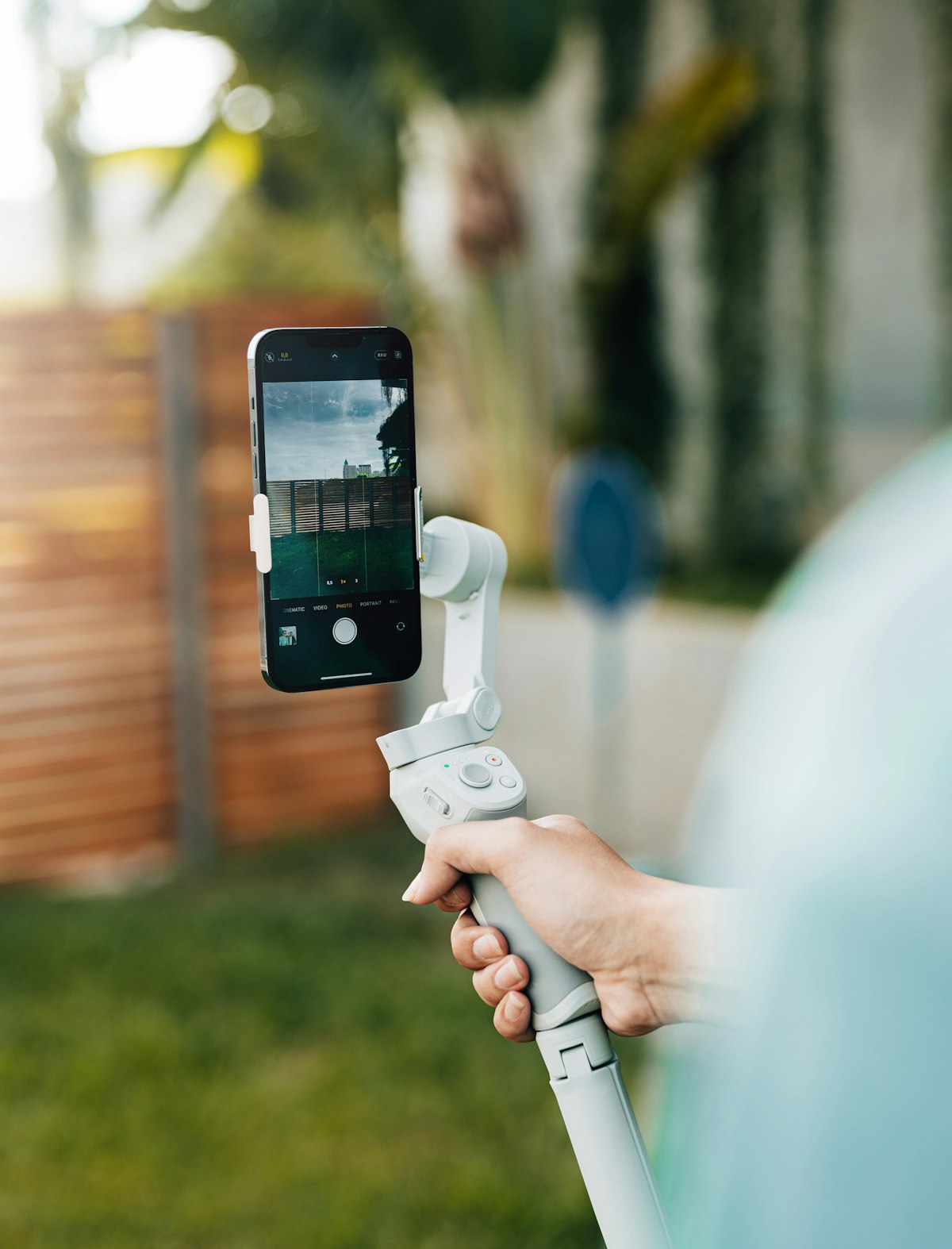
An AI tracking gimbal holds your phone and uses computer vision to follow your face and body automatically. You move left — it pans left. You step back — it adjusts. You jump — it tracks. The camera stays locked on you regardless of what you do.
The AI Tracking Gimbal Pro from LumaGear does this with:
The difference between a tripod and an AI gimbal is the difference between static content and dynamic, engaging video. Watch time goes up when you can move naturally on camera.
Which Method Should You Use?
| Your Situation | Best Method |
|---|---|
| Just starting out, no budget | Tripod + phone holder ($20) |
| Seated content (podcasts, tutorials) | Tripod is fine |
| Moving content (demos, fitness, vlogs) | AI tracking gimbal |
| Serious about growing | AI tracking gimbal |
If you create content more than twice a week, the AI gimbal pays for itself in the quality jump alone.
→ Get the AI Tracking Gimbal Pro — $89.99 with free shipping