Creator Tips
How to Get Better Audio on iPhone Videos (Without Buying a $200 Mic)
Your iPhone Camera is Great. Its Mic Isn't.
iPhones in 2026 shoot stunning 4K video. The cameras are genuinely professional-grade.
The built-in microphones are not.
Apple designed iPhone microphones to handle a wide range of scenarios — calls, Siri, casual voice memos. For professional video recording where you're 1–2 feet from the camera, they're mediocre at best.
Here's how to fix it without spending $200.
Free Fixes First
Before spending anything, try these:
1. Get closer to the phone
The single biggest improvement you can make for free. Cut your distance from 4 feet to 1.5 feet and the audio quality jumps significantly. The inverse square law: halving the distance roughly quadruples the audio signal.
2. Reduce room echo
Record in rooms with soft surfaces — carpets, curtains, sofas. Hard floors and bare walls create reverb. Even putting a blanket behind you makes a measurable difference.
3. Eliminate background noise
Turn off fans, AC, TV. Close windows. The iPhone mic picks up everything equally — it doesn't know your voice is more important than the AC unit.
4. Use the front camera
Counter-intuitive, but the selfie camera position often places the mic slightly closer to your mouth than the rear camera setup.
The Hardware Fix: A Wireless Clip-On Mic
If you've done all the free stuff and your audio still sounds amateur, hardware is the answer.
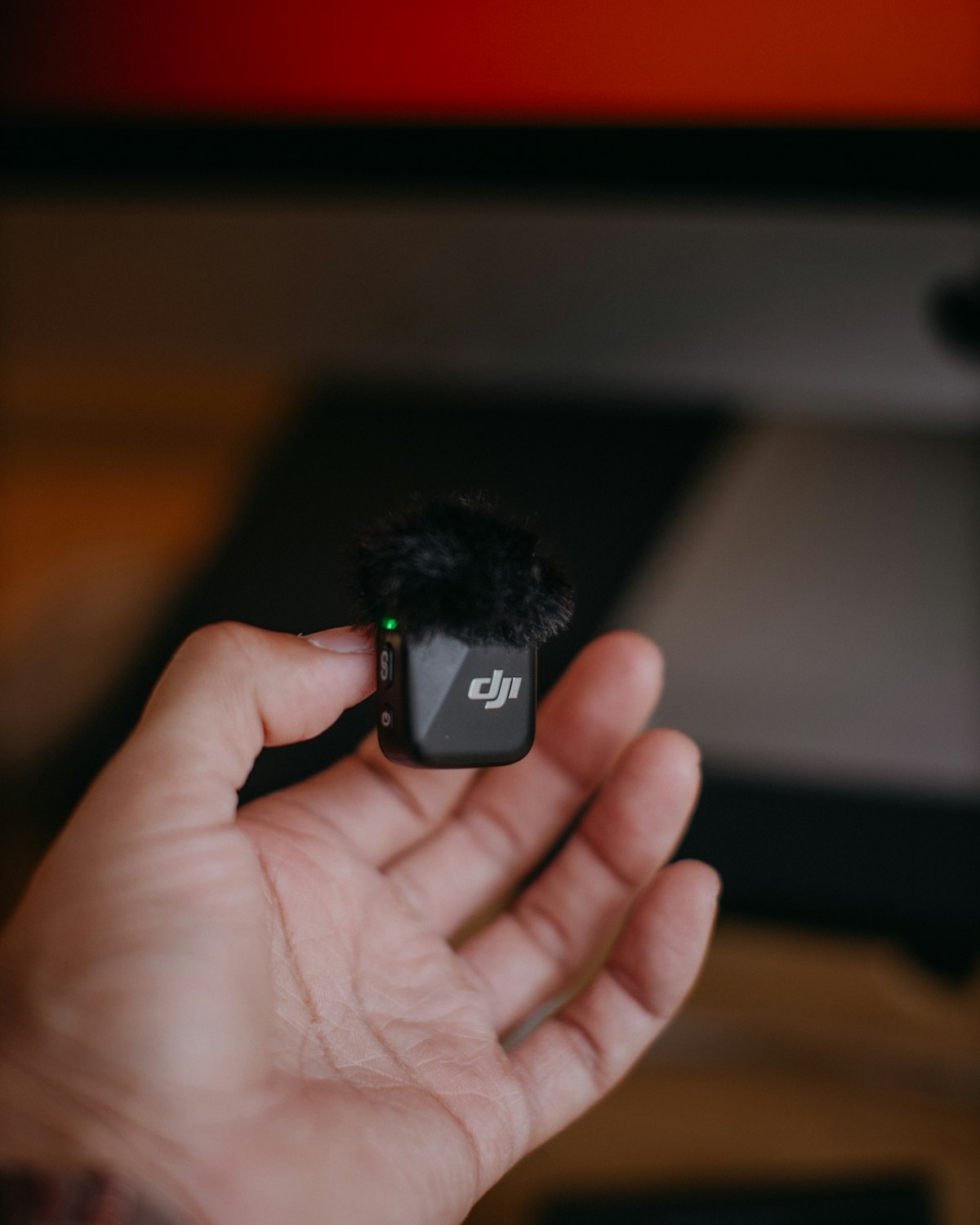
A wireless lapel mic positions a tiny microphone 4–6 inches from your mouth, attached to your collar. At that distance, your voice is loud and clear while ambient noise is naturally rejected.
The Wireless Lapel Mic Pro ($54.99) works with iPhone via Lightning or USB-C adapter (both included):
The jump from iPhone built-in mic to this wireless lapel mic is genuinely dramatic. Not subtle. Every person who watches your content will notice immediately.
Does It Work With Newer iPhones?
Yes. The Wireless Lapel Mic Pro includes both Lightning (for iPhone 14 and earlier) and USB-C (for iPhone 15 and later) adapters. Works with all iPhone models from iPhone 11 through iPhone 17.
What About AirPods as a Mic?
AirPods work in a pinch — they're closer to your mouth than the phone mic, so the audio is better. But:
A clip-on mic is invisible on camera and sounds dramatically better.
→ Wireless Lapel Mic Pro — $54.99, free shipping, works with all iPhones